Development Status
- 5 - Production/Stable
Environment
- Plugins
Framework
- Sphinx :: Extension
License
- OSI Approved :: BSD License
Natural Language
- English
Programming Language
- Python :: 3.7
- Python :: 3.8
- Python :: 3.9
- Python :: 3.10
- Python :: 3.11
Typing
- Typed
sphinxext-altair
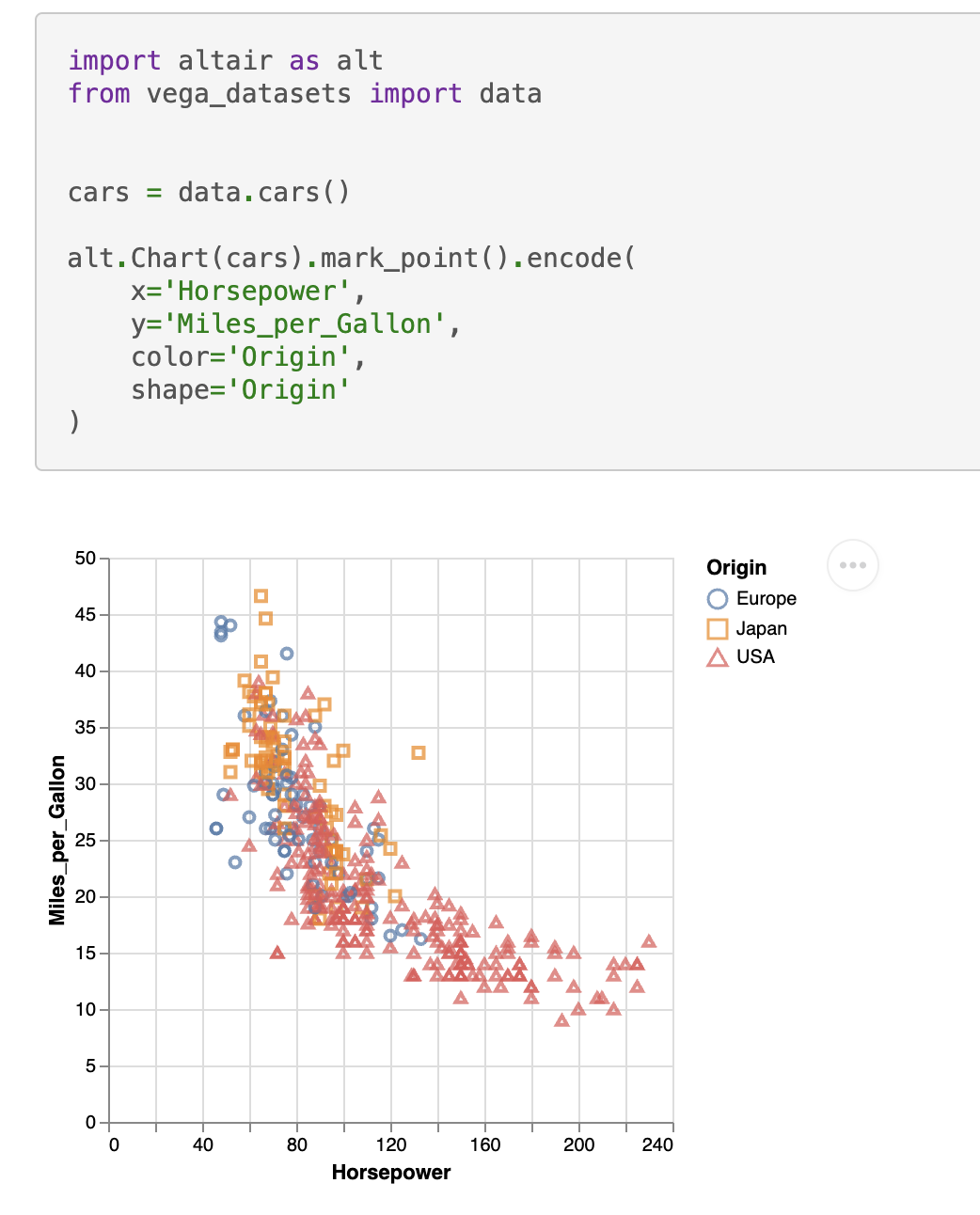
sphinxext-altair provides the directive altair-plot to insert live-rendered Altair plots within your Sphinx documentation:
    .. altair-plot::
        import altair as alt
        from vega_datasets import data


        cars = data.cars()

        alt.Chart(cars).mark_point().encode(
            x='Horsepower',
            y='Miles_per_Gallon',
            color='Origin',
            shape='Origin'
        )
You can enable the extension by adding it to your conf.py:
extensions = [
    ...
    "sphinxext_altair.altairplot",
    ...
]
You can find all available options in the docstring of sphinxext_altair/altairplot.py. For more examples on how to use this extension, see the test Sphinx documentation in tests/roots/test-altairplot or the official Altair documentation.
You can install the extension with:
pip install sphinxext-altair
Contributing
It's recommended to use a virtual environment for development:
python -m venv .venv
# Install the project in editable mode including development dependencies
pip install -e '.[dev]'
sphinxext-altair uses black for code formatting, mypy for static type checking, ruff for various linting rules, and pytest for testing. All these tools can be executed by running:
hatch run test
As part of those tests, a Sphinx documentation is built at tests/roots/test-altairplot. You can manually build this documentation and view it which is very useful during development of a new feature. For example, if you want to add a new option to the altair-plot directive, you can add another example in the file tests/roots/test-altairplot/index.rst and then build and view the documentation by running:
hatch run build-test-docs
hatch run serve-test-docs
The test documentation can now be viewed at http://localhost:8000.
