Recorder Recording made easy - The tool you need for animations using Matplotlib, Plotly and other plotting libraries.
Project Links
Meta
Author: Julian Blank
Requires Python: >=3.6
Classifiers
Intended Audience
- Developers
- Science/Research
Operating System
- OS Independent
License
- OSI Approved :: Apache Software License
Programming Language
- Python
- Python :: 3
- Python :: 3.6
- Python :: 3.7
- Python :: 3.8
- Python :: 3.9
Topic
- Scientific/Engineering :: Visualization


You can find the detailed documentation here: https://anyoptimization.com/projects/pyrecorder/
Installation
The framework is available at the PyPi Repository:
pip install -U pyrecorderUsage
It’s as simple as it should be. Initialize a Recorder object with a Writer and store plots by calling record().
import matplotlib.pyplot as plt
import numpy as np

from pyrecorder.recorder import Recorder
from pyrecorder.writers.video import Video

# create a writer object (here, mp4)
writer = Video("video.mp4")

# use the with statement to close the recorder when done
with Recorder(writer) as rec:

    # record 10 different snapshots
    for t in range(10):

        # create the plot (here, using matplotlib)
        X = np.random.random((50, 2))
        plt.scatter(X[:, 0], X[:, 1], facecolor="none", edgecolor="red")

        # use the record to store the current plot
        rec.record()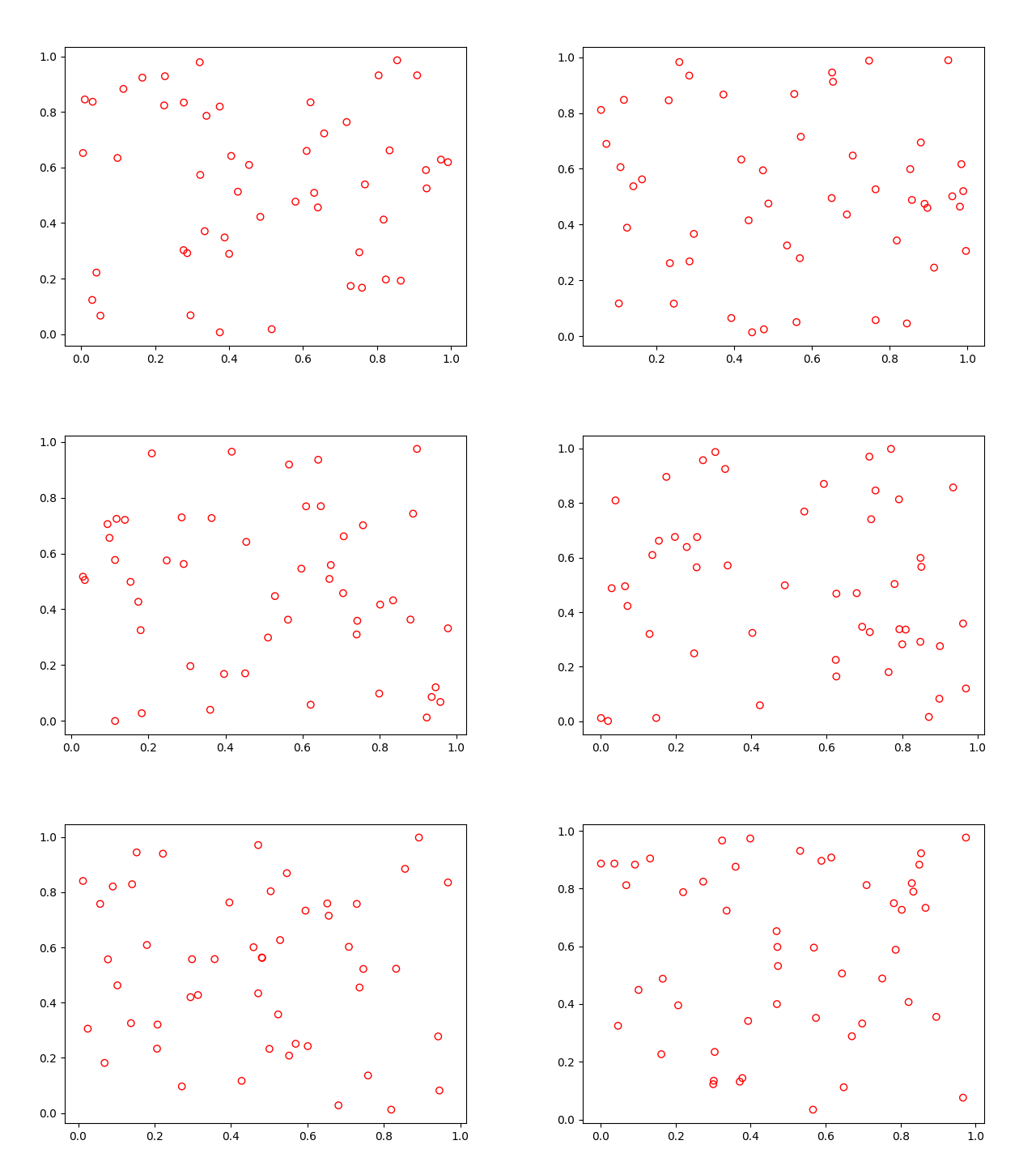
Contact
Feel free to contact me if you have any question:
Julian Blank (blankjul [at] egr.msu.edu)
Michigan State University
Computational Optimization and Innovation Laboratory (COIN)
East Lansing, MI 48824, USA
0.2.1
Sep 15, 2021
0.2.0
Sep 10, 2021
0.1.8
Mar 27, 2020
0.1.7
Mar 27, 2020
0.1.6
Mar 27, 2020
0.1.5
Mar 26, 2020
0.1.4
Mar 16, 2020
0.1.3
Mar 16, 2020
0.1.2
Mar 13, 2020
0.1.1
Mar 13, 2020
0.1.0
Mar 13, 2020
Files in release
No dependencies